Dozens of supplement tracker apps promise to keep you consistent, but most do one thing well. Here's an honest comparison of the best options for 2026.
Disclosure: I am Ivan Terekhin, the developer of Supplement Tracker. This comparison uses published product information checked on September 5, 2026, and our own app’s implementation. It is not a hands-on test of competitors or an independent ranking.
Compare by the job you need done
| App | Choose it for | Free and paid access |
|---|---|---|
| Supplement Tracker | Daily supplement reminders and intake history | 6 supplements and 14-day history free; optional Premium |
| SuppCo | Product research and stack analysis | Free; optional Pro |
| Cronometer | Food and nutrient tracking | Free; optional Gold |
The product links are the sources for this comparison. Prices depend on your region, platform, and offer. Check the purchase screen for the amount, billing period, and renewal terms rather than comparing a weekly headline price with a yearly total.
What Supplement Tracker includes
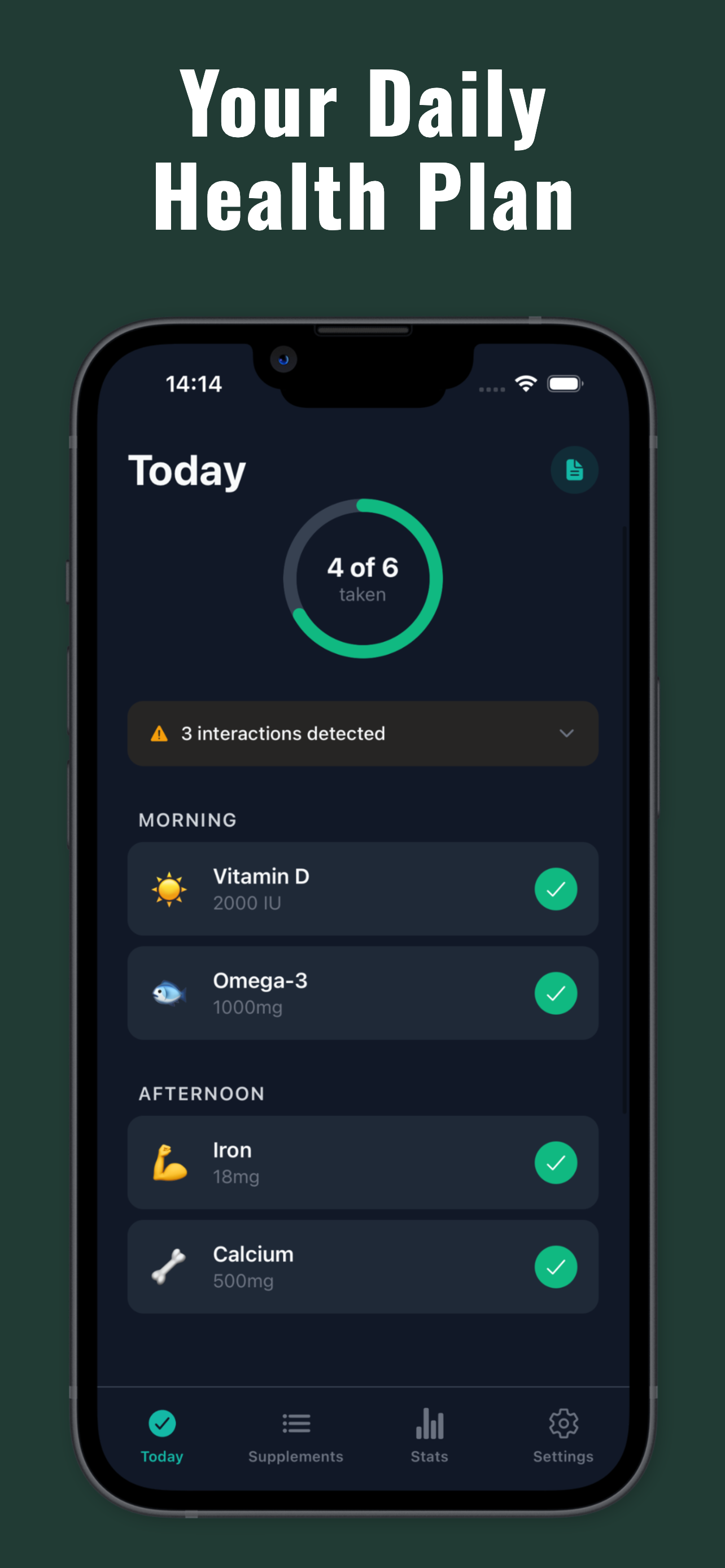
The free plan lets you add up to 6 supplements, set basic reminders, and review 14 days of intake history. Premium adds unlimited supplements, full statistics, interaction alerts, smart insights, and photo journaling. There are optional subscriptions and a one-time lifetime purchase. See the free and Premium overview.
Your routine is stored on your phone by default and daily logging works offline, without creating an account. Usage analytics is optional and off by default. Optional cloud backup and purchases use online services; see the privacy policy.
Try your actual routine before paying
Add the supplements you already take and set the times you actually use. Allow notifications, then check that a reminder arrives on your phone. Log a dose and find it in the history. If you take something on selected days, check that schedule too.
Choose based on the task you repeat: remembering and recording doses, researching products, or logging your diet. A comparison table cannot tell you whether the app fits your morning routine; trying that routine can.
If you only need a single recurring reminder, your phone’s existing reminder app may be enough. Paying for more features only makes sense when you will use them. A tracking app also cannot establish whether a supplement or dose is appropriate for you.
For the next step, read how to track supplements consistently.